Çok eski bir web tarayıcısı kullanıyorsunuz. Bu veya diğer siteleri görüntülemekte sorunlar yaşayabilirsiniz.. Tarayıcınızı güncellemeli veya alternatif bir tarayıcı kullanmalısınız.
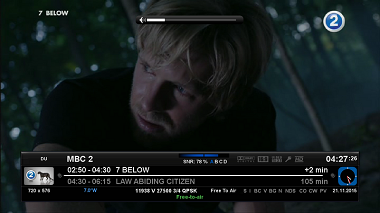
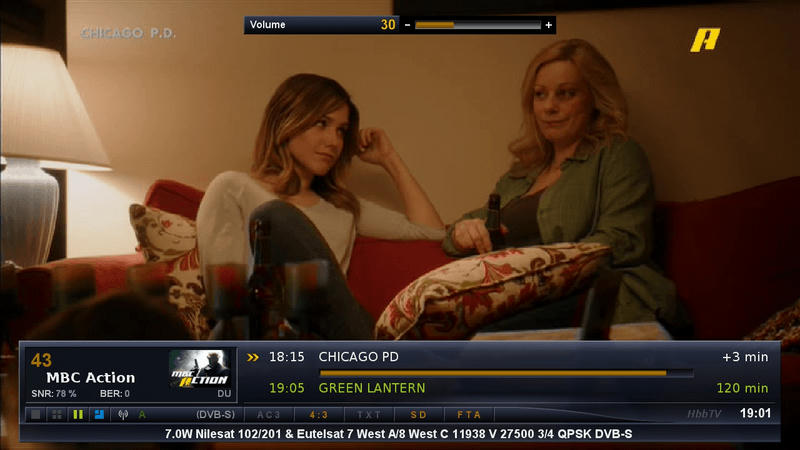
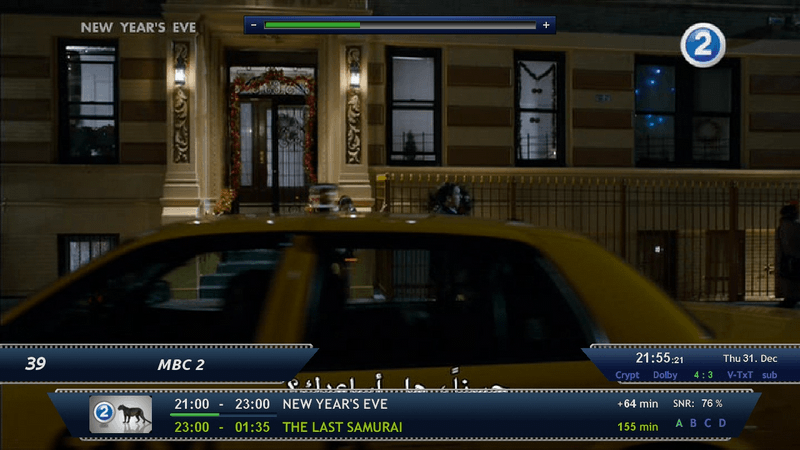
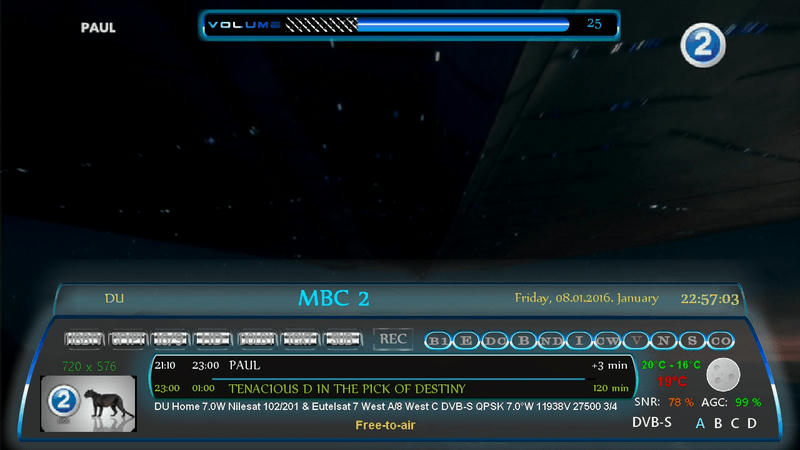
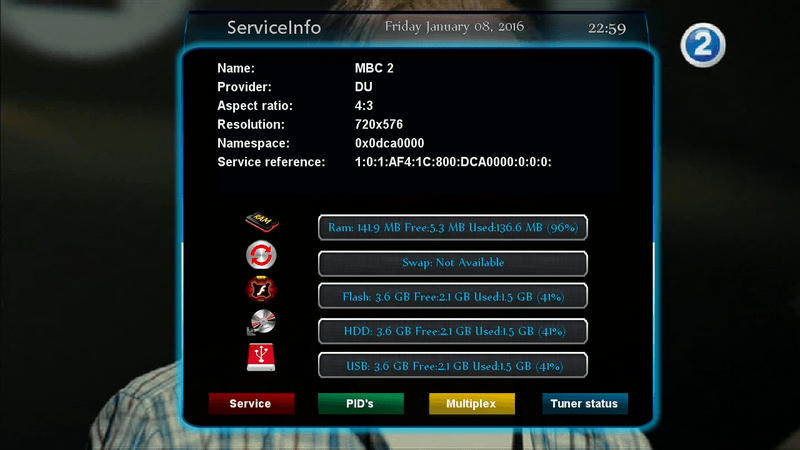
- Skinparts with New Look InfoBar Picon 400x170
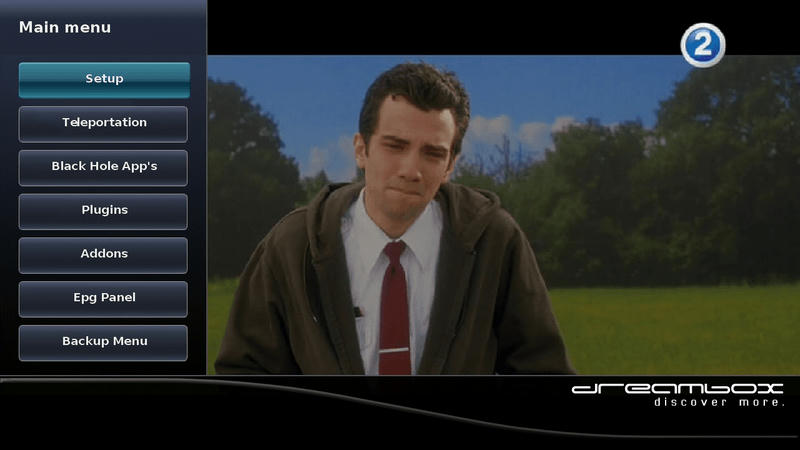
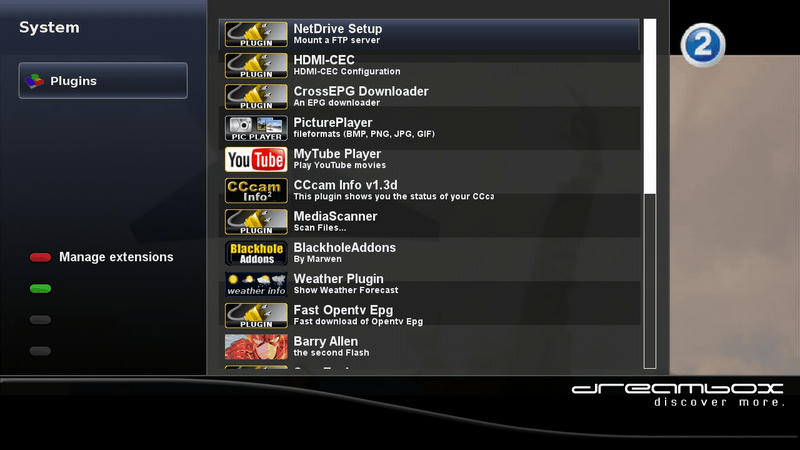
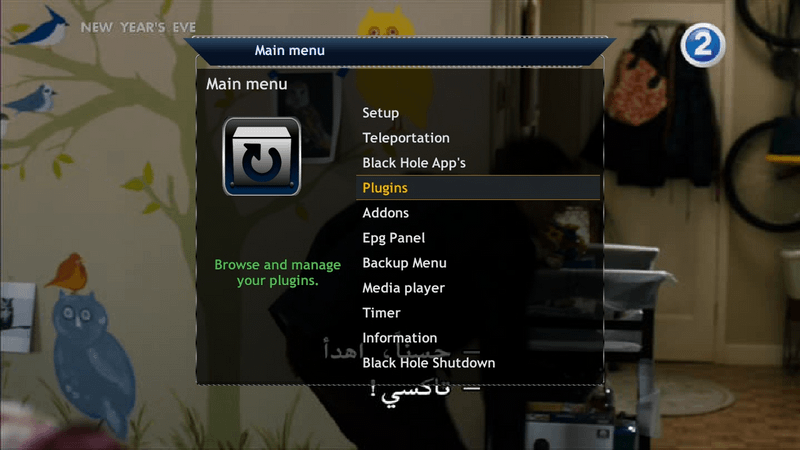
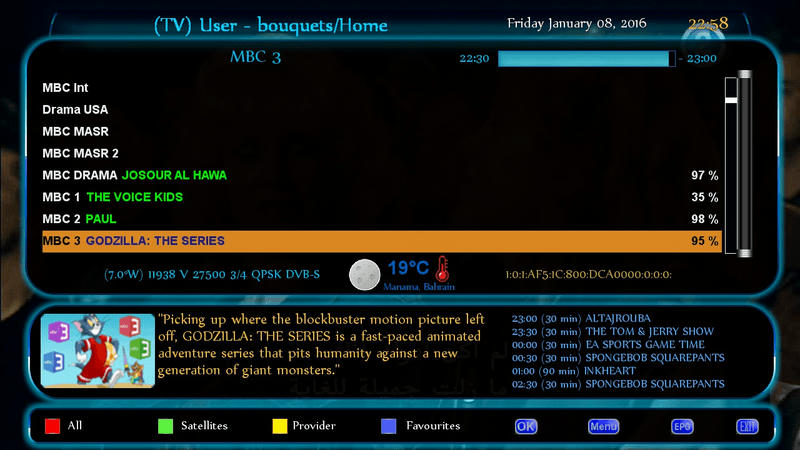
- New main menu look
- Fix Picon EPG information bar
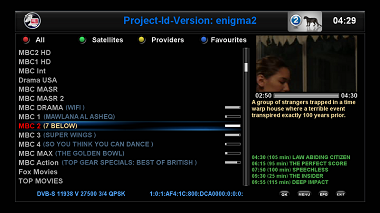
- Fix Picon transmitter history
- Fix EMC Selection
- So far, all the reported crash Fixes
- Reauthorize Infobar with Picon 400x170 that they already know in Menu **** Settings **** VTI Goliath_1080p_HD **** Goliath_1080p_HD per click Yes **** InfoBar Picon select 400x170> Shut Down> Restart
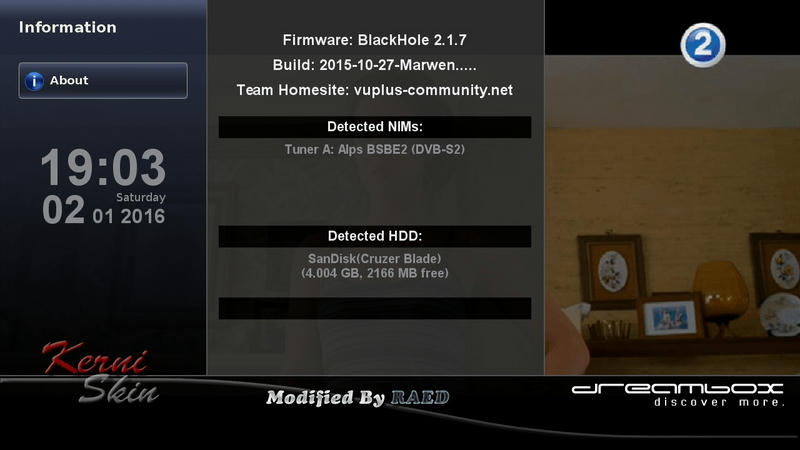
-Skin to (Kerni) Thx
-I have Modded to Drerambox OE2.0 Only
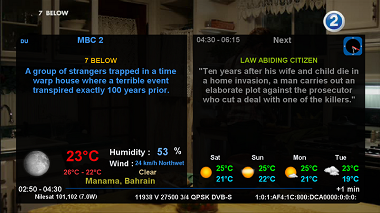
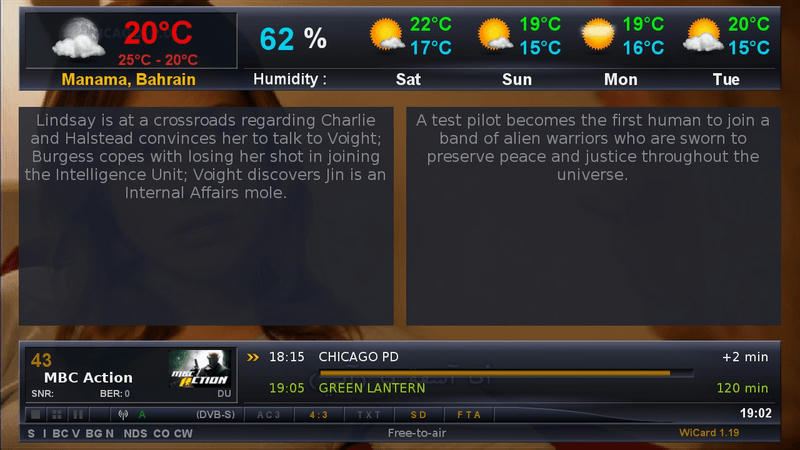
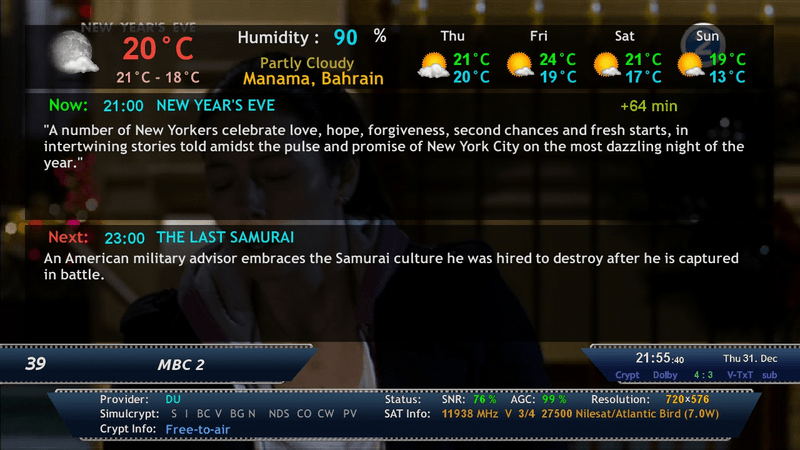
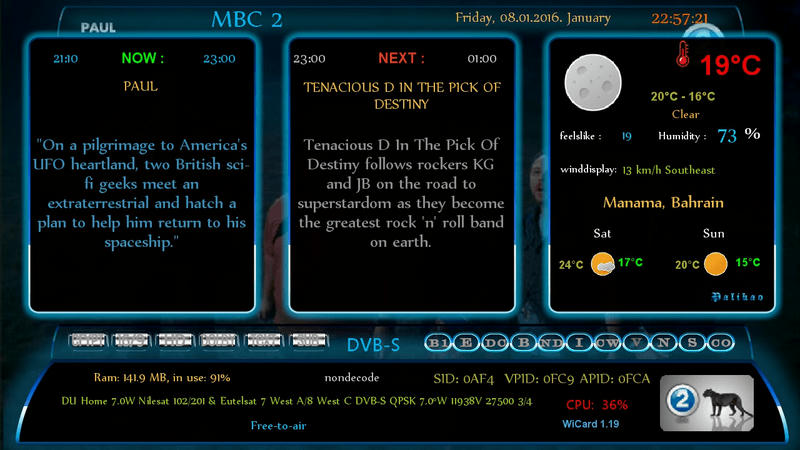
-Added MsWeather plugins
-Test On My DM 800HD
How to get your city weather:
1-Open Weather Plugin from Plugins brwoser 2-Press Memu from Keyboard 3-Press Green Button (Add) 4-Write you city name in (City) option 5-Click yellow buttons (Search Code) 6-Now select your city and press green button (ok) 7-Press green button (ok) again 8-Finish Exit from plugin bu pressing Exit button
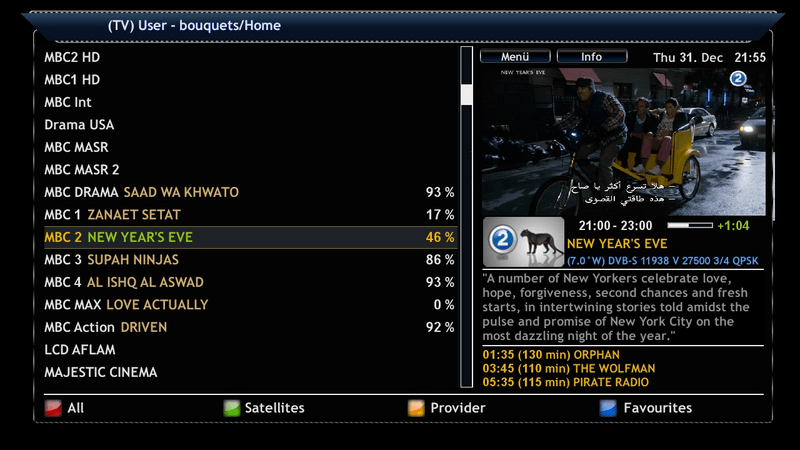
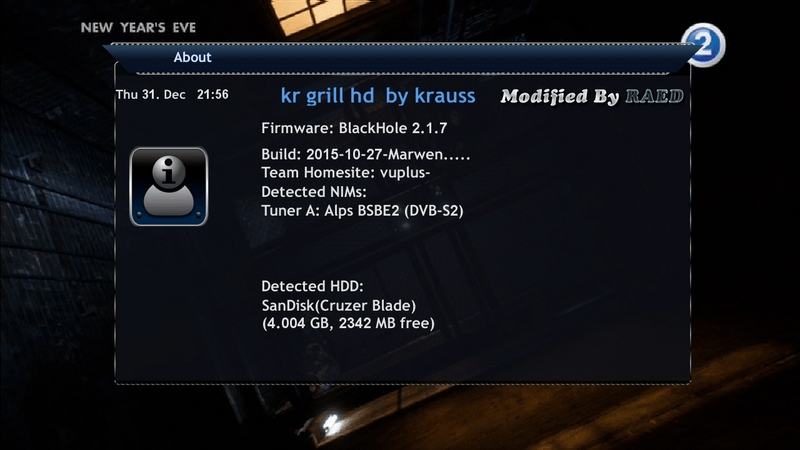
-Skin to (krauss) Thx
-I have Modded to Dreambox OE2.0 Only
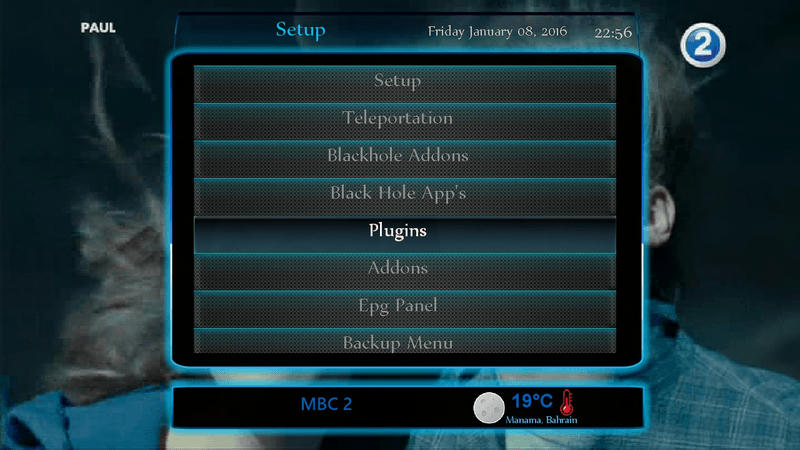
-Added MsWeather plugins
-Test On My DM 800HD
How to get your city weather:
1-Open Weather Plugin from Plugins brwoser
2-Press Memu from Keyboard
3-Press Green Button (Add)
4-Write you city name in (City) option
5-Click yellow buttons (Search Code)
6-Now select your city and press green button (ok)
7-Press green button (ok) again
8-Finish Exit from plugin bu pressing Exit button
This image has been resized. Click this bar to view the full image. The original image is sized 800x450.
This image has been resized. Click this bar to view the full image. The original image is sized 800x450.
This image has been resized. Click this bar to view the full image. The original image is sized 800x450.
This image has been resized. Click this bar to view the full image. The original image is sized 800x450.
This image has been resized. Click this bar to view the full image. The original image is sized 800x450.
This image has been resized. Click this bar to view the full image. The original image is sized 800x450.
This image has been resized. Click this bar to view the full image. The original image is sized 820x836.
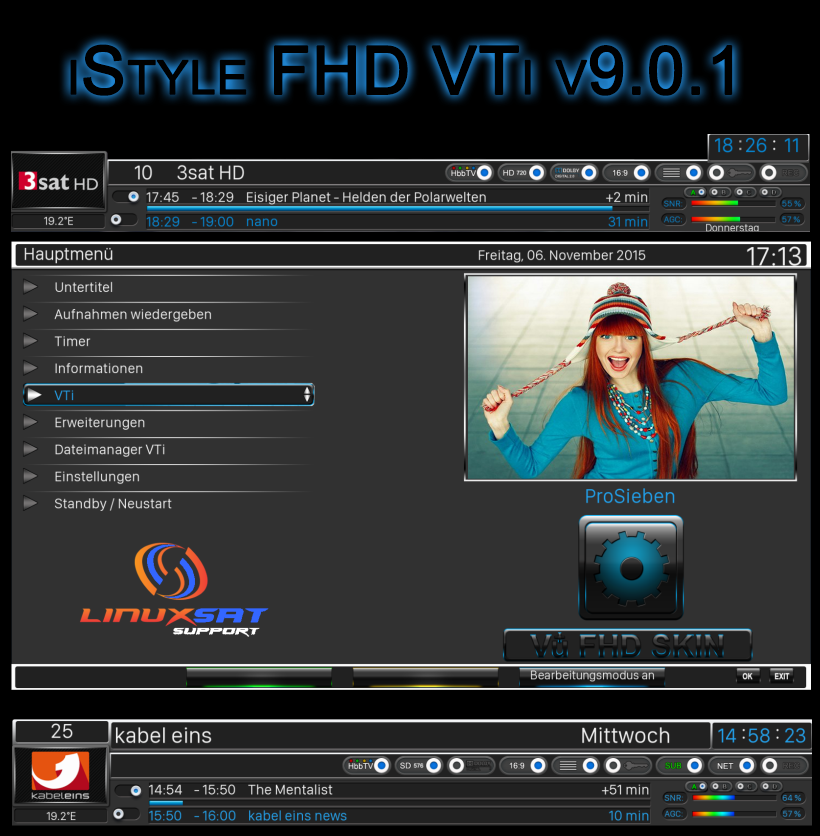
iStyle FHD 1920x1080.
Important skin expires VTi v9.0
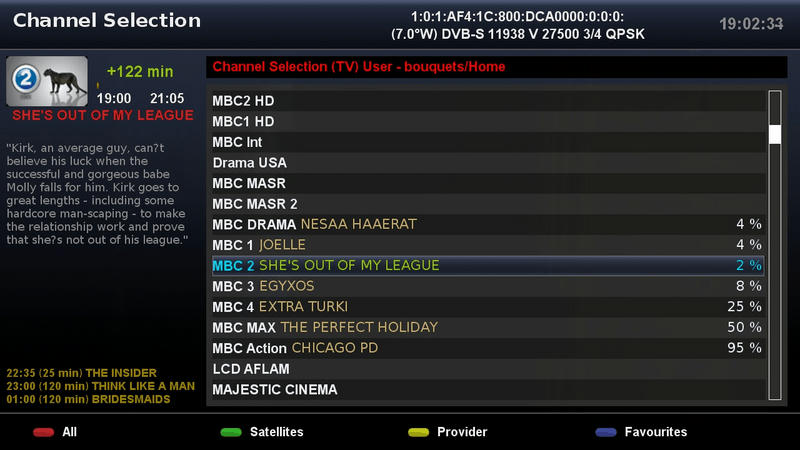
Setting for channel list: Main menu - VTi Settings - Channel list - Picon-Vezeichnis for channel list
Setting interface: Main Menu - VTi Settings - User Interface - Primary directory Picons
skin Installation: File sheetDownload unzip and copy by tmp, now blue button - Manual installation packages - install IPKG packages GUI restart skin selecting fetig
Select weather skinpart: Main menu - VTi - Settings - iStyle FHD - skin share viruses to YES and now click yellow - a skinpart select - Left click to end and then click in the new window click OK and then select Restart fertg ...
iStyle FHD 1920x1080.
Important skin expires VTi v9.0
Setting for channel list: Main menu - VTi Settings - Channel list - Picon-Vezeichnis for channel list
Setting interface: Main Menu - VTi Settings - User Interface - Primary directory Picons
skin Installation: File sheetDownload unzip and copy by tmp, now blue button - Manual installation packages - install IPKG packages GUI restart skin selecting fetig
Select weather skinpart: Main menu - VTi - Settings - iStyle FHD - skin share viruses to YES and now click yellow - a skinpart select - Left click to end and then click in the new window click OK and then select Restart fertg ...
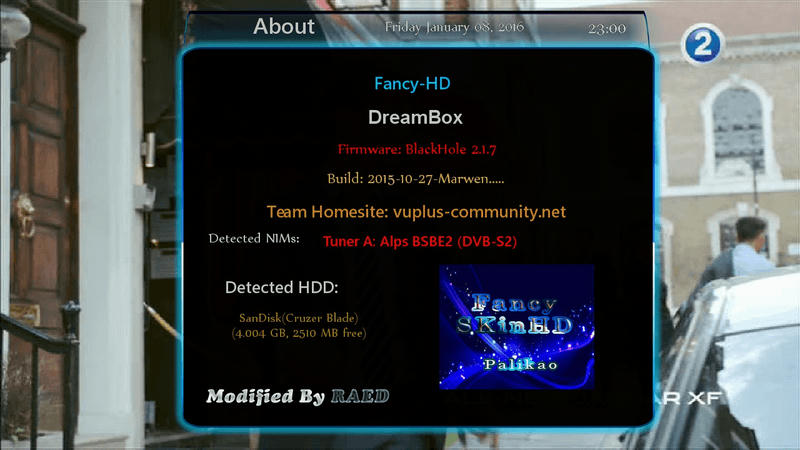
-Skin to KHALED(Palikao) Thx
-I have Modded to Drerambox OE2.0 Only
-Test On My DM 800HD test openpli/openbh ok zvonko67
How to get your city weather:
1-Open Weather Plugin from Plugins brwoser 2-Press Memu from Keyboard 3-Press Green Button (Add) 4-Write you city name in (City) option 5-Click yellow buttons (Search Code) 6-Now select your city and press green button (ok) 7-Press green button (ok) again 8-Finish Exit from plugin bu pressing Exit button