Çok eski bir web tarayıcısı kullanıyorsunuz. Bu veya diğer siteleri görüntülemekte sorunlar yaşayabilirsiniz.. Tarayıcınızı güncellemeli veya alternatif bir tarayıcı kullanmalısınız.
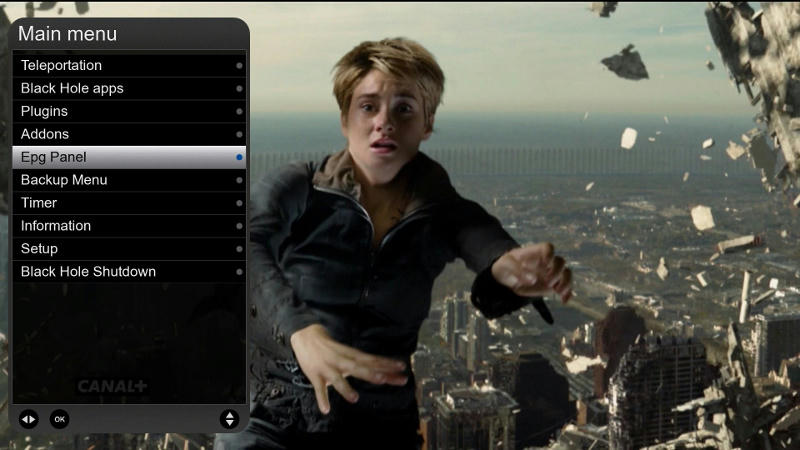
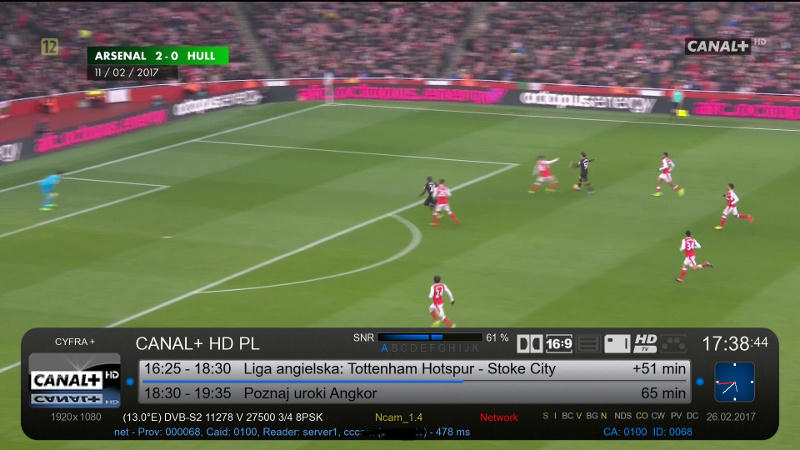
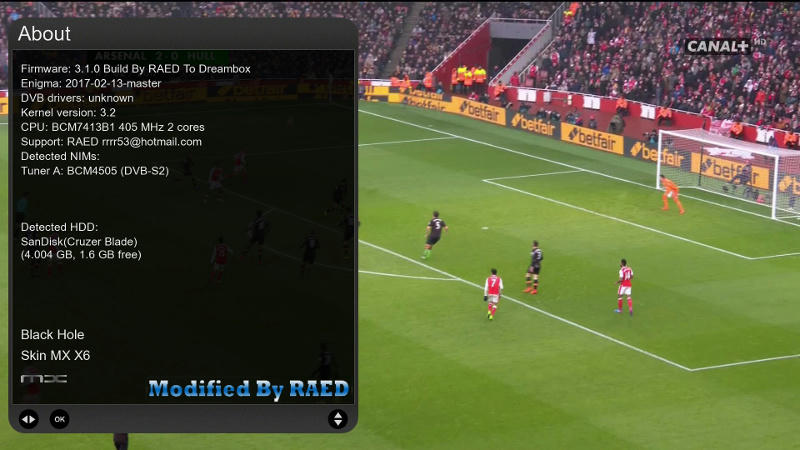
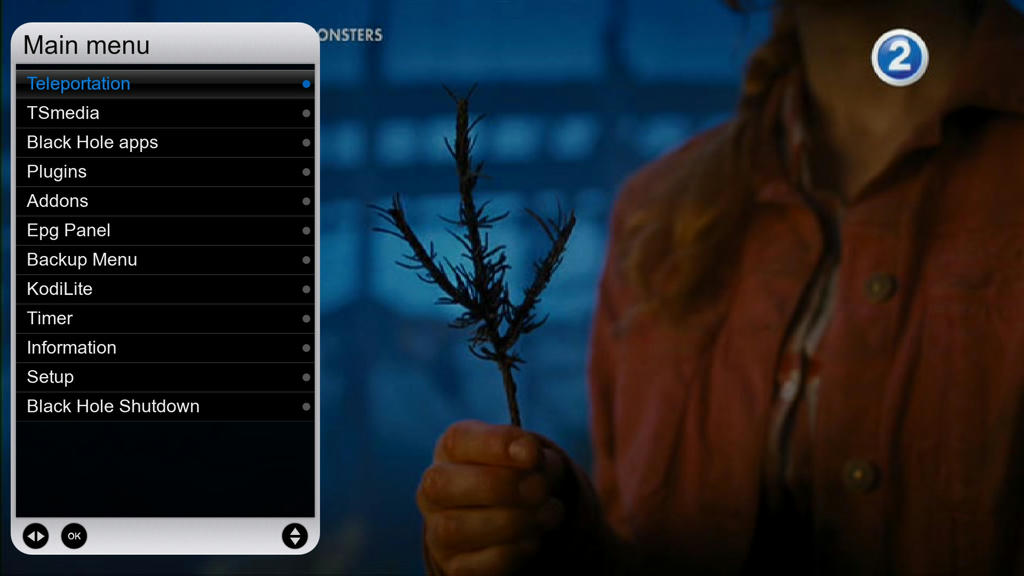
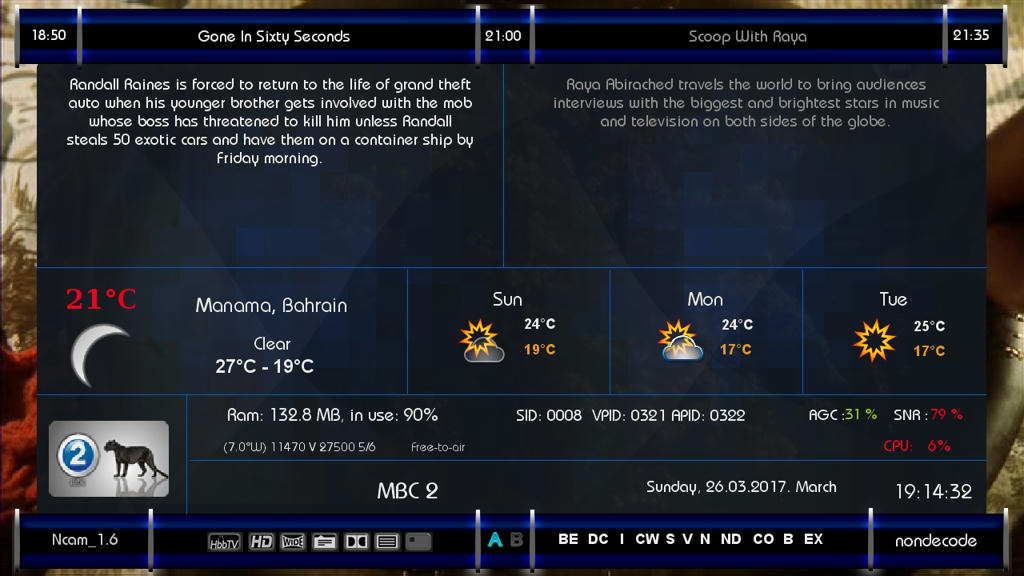
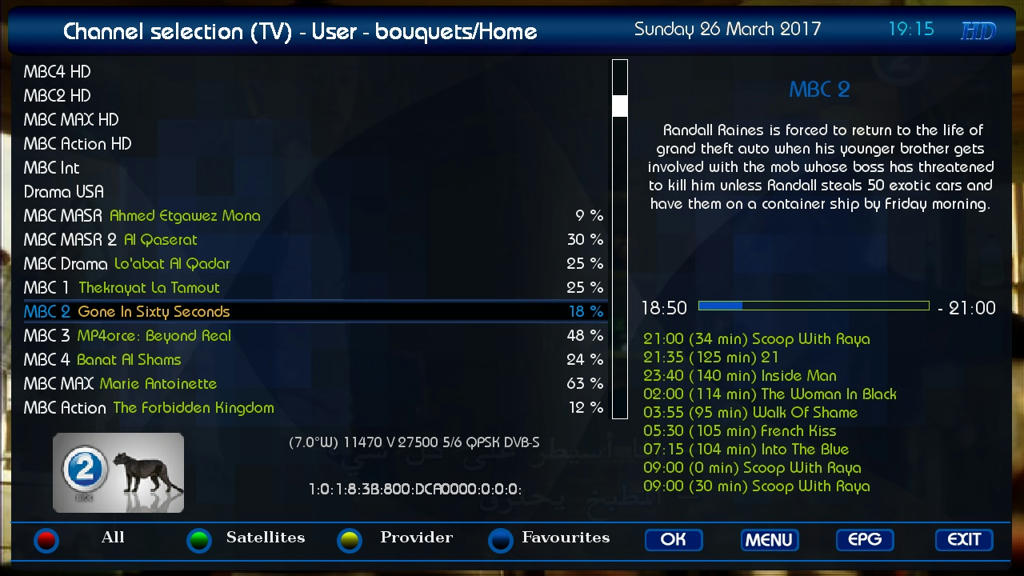
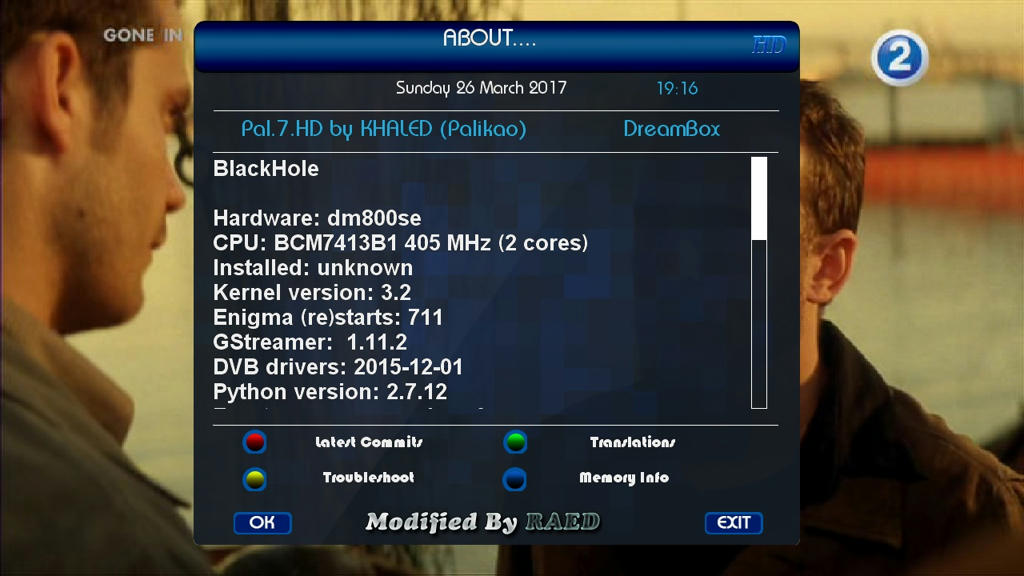
-Skin to (Matrix10) for BlackHole images, Thx
-I have Modded to Drerambox OE2.0 Only
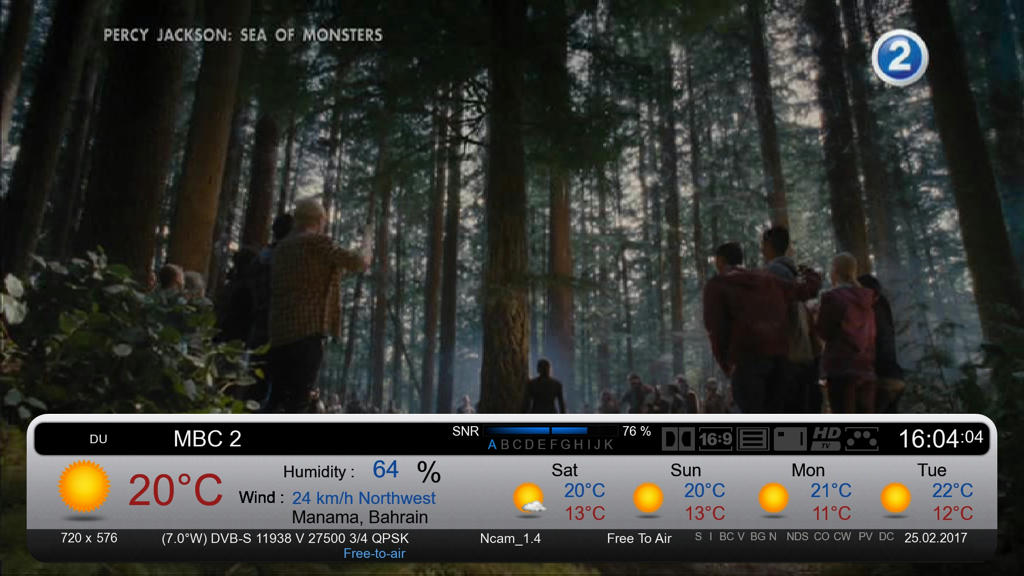
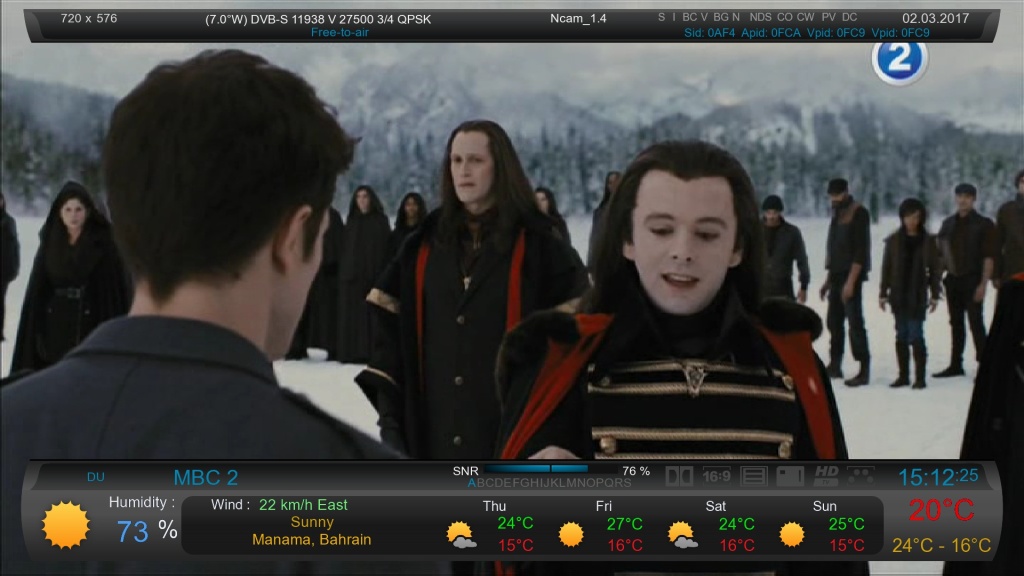
-Added MsWeather plugins
-Test On My DM 800HD
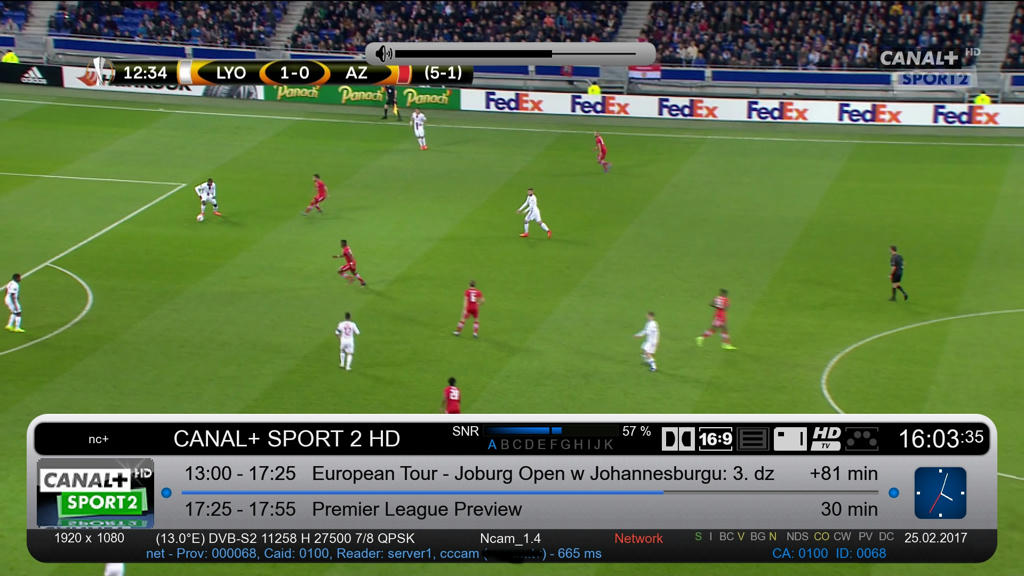
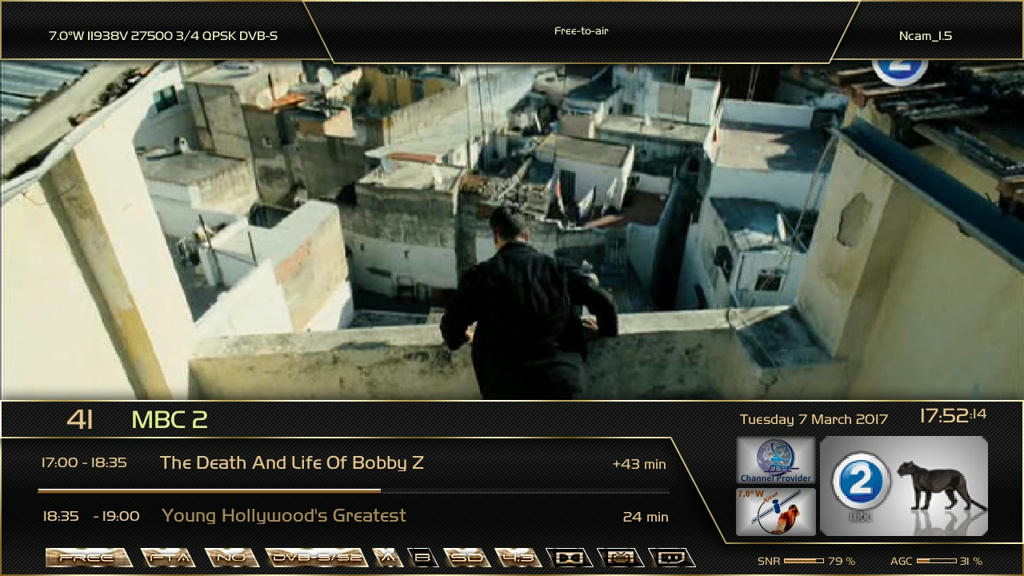
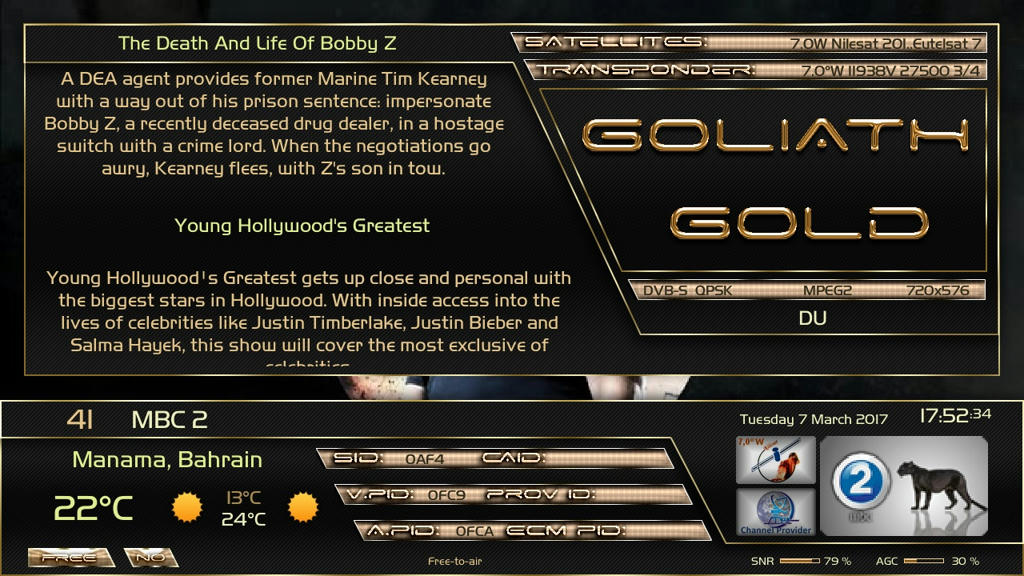
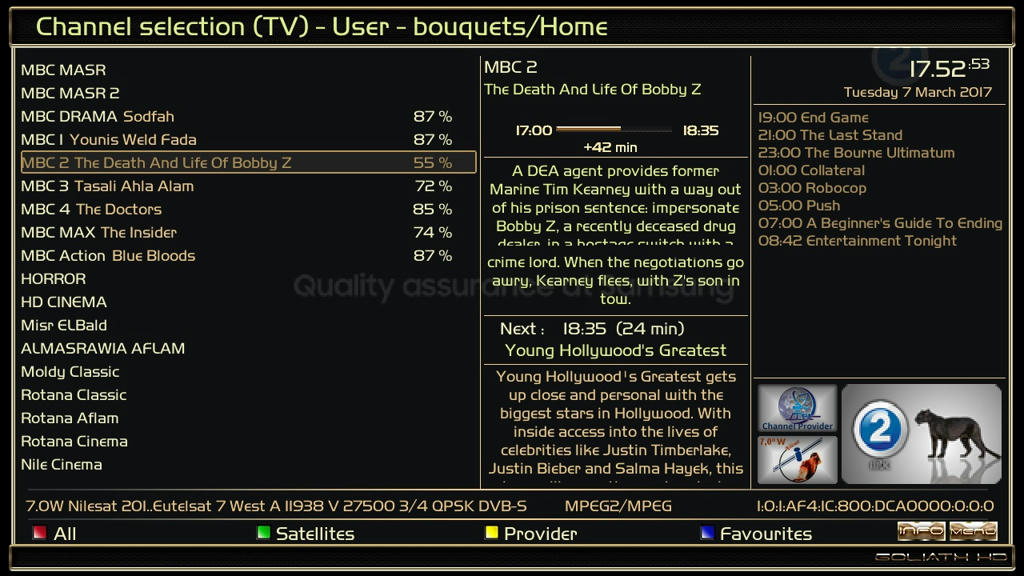
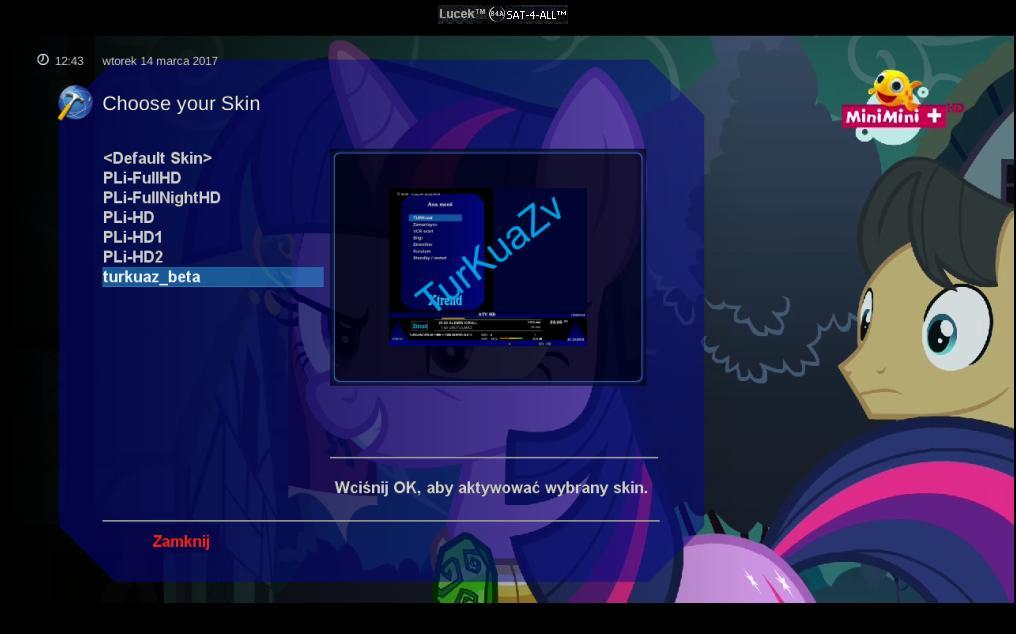
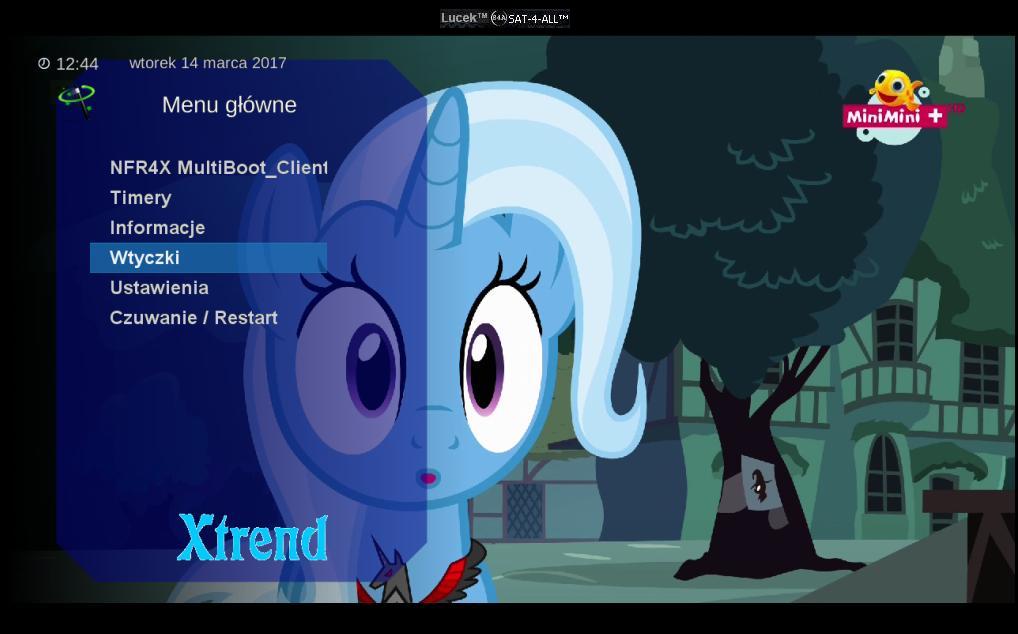
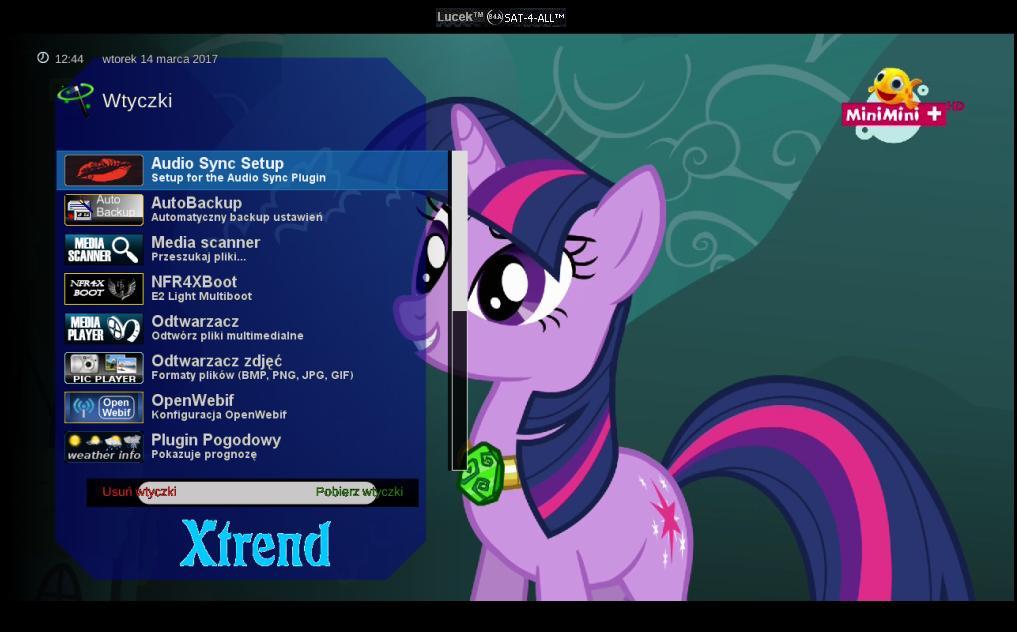
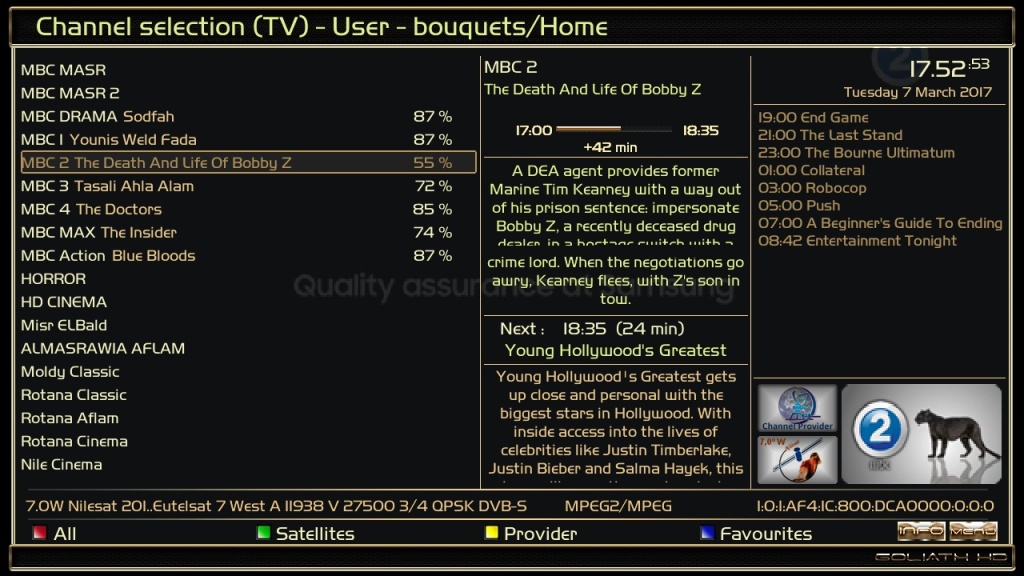
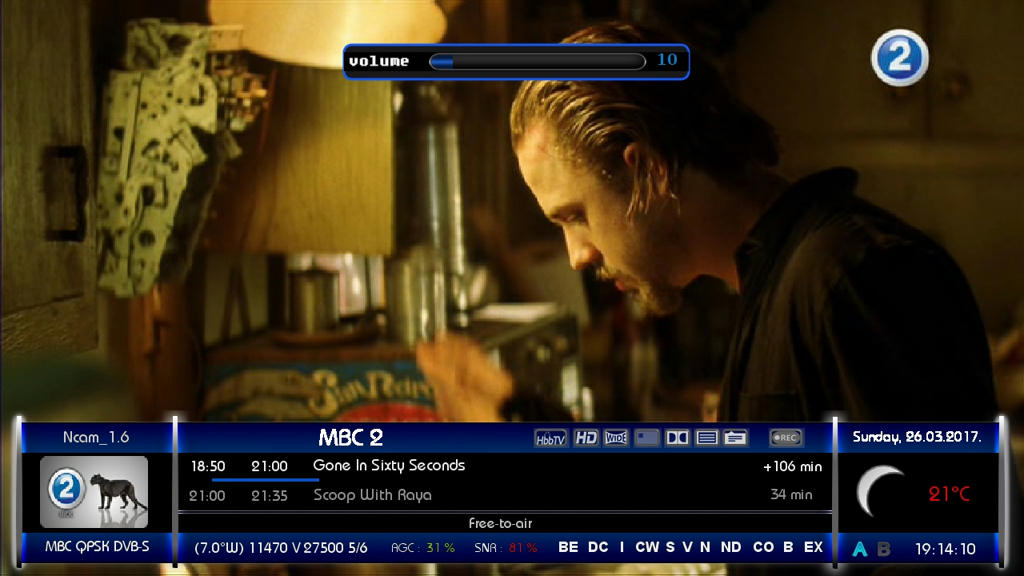
This Skin Full HD (1920)X(1080)...So work will with LCD not with normal TV and you need to change settings on your box in A/V settings as like (19:10) and set LCD settings as like Fit screen
How to get your city weather:
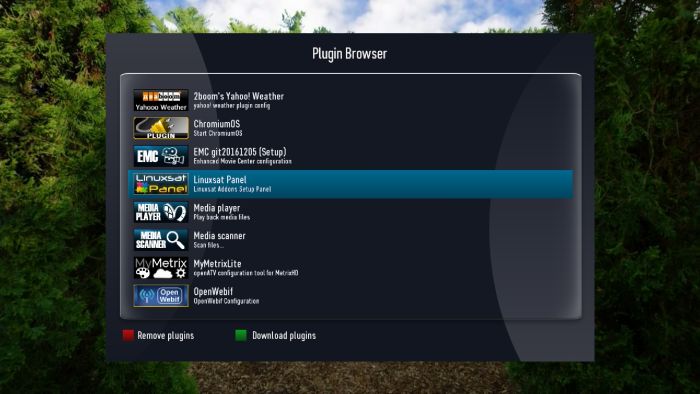
1-Open Weather Plugin from Plugins brwoser
2-Press Memu from Keyboard
3-Press Green Button (Add)
4-Write you city name in (City) option
5-Click yellow buttons (Search Code)
6-Now select your city and press green button (ok)
7-Press green button (ok) again
8-Finish Exit from plugin bu pressing Exit button
With This Command You Can Install Skin: After download and send it to /tmp
-Skin to (Matrix10) for BlackHole images, Thx
-I have Modded to Drerambox OE2.0 Only
-Added MsWeather plugins
-Test On My DM 800HD
This Skin Full HD (1920)X(1080)...So work will with LCD not with normal TV and you need to change settings on your box in A/V settings as like (19:10) and set LCD settings as like Fit screen
How to get your city weather:
1-Open Weather Plugin from Plugins brwoser
2-Press Memu from Keyboard
3-Press Green Button (Add)
4-Write you city name in (City) option
5-Click yellow buttons (Search Code)
6-Now select your city and press green button (ok)
7-Press green button (ok) again
8-Finish Exit from plugin bu pressing Exit button
With This Command You Can Install Skin: After download and send it to /tmp
-Skin to (Matrix10) for BlackHole images, Thx
-I have Modded to Drerambox OE2.0 Only
-Added MsWeather plugins -Test On My DM 800HD-Test VU+
This Skin Full HD (1920)X(1080)...So work will with LCD not with normal TV and you need to change settings on your box in A/V settings as like (19:10) and set LCD settings as like Fit screen
How to get your city weather:
1-Open Weather Plugin from Plugins brwoser
2-Press Memu from Keyboard
3-Press Green Button (Add)
4-Write you city name in (City) option
5-Click yellow buttons (Search Code)
6-Now select your city and press green button (ok)
7-Press green button (ok) again
8-Finish Exit from plugin bu pressing Exit button
With This Command You Can Install Skin: After download and send it to /tmp
-Skin to KHALED(Palikao) Thx
-I have Modded to Drerambox OE2.0 Only
-Test On My DM 800HD
How to get your city weather:
1-Open Weather Plugin from Plugins brwoser 2-Press Memu from Keyboard 3-Press Green Button (Add) 4-Write you city name in (City) option 5-Click yellow buttons (Search Code) 6-Now select your city and press green button (ok) 7-Press green button (ok) again 8-Finish Exit from plugin bu pressing Exit button
The color is selected by the style in the VTI settings.
The current skin requires an installed VTI of at least version 11.0.0.
Before changing to the new skin, an image backup should be made.
The existing versions on the box should be uninstalled using VTI Panel software manager skins. When this is done. The new version can be installed after rebooting via the manual installation of packages.
Call the individual skin parts via the menu VTI settings of the respective skin via the PRO function.
The AtileHD plugin is required for the PRO function.
Images
- fix skin.xml- running text off in skin.xml- small fix skin.xml- skin.xml with key7- add key_7 to screen hdf_downloader
1.2.42 thx @ Kraven Team
enigma2-plugin-skins-xionhdf_1.2.42_all.zip (2.16 MB,